
Life admin, handled softly.
Bills, renewals, the dentist, the bins. Just say it. Softly turns it into tasks, reminds you on time, and shares them with the people you live with.
Free to start. No card needed. iPhone, iPad and web.
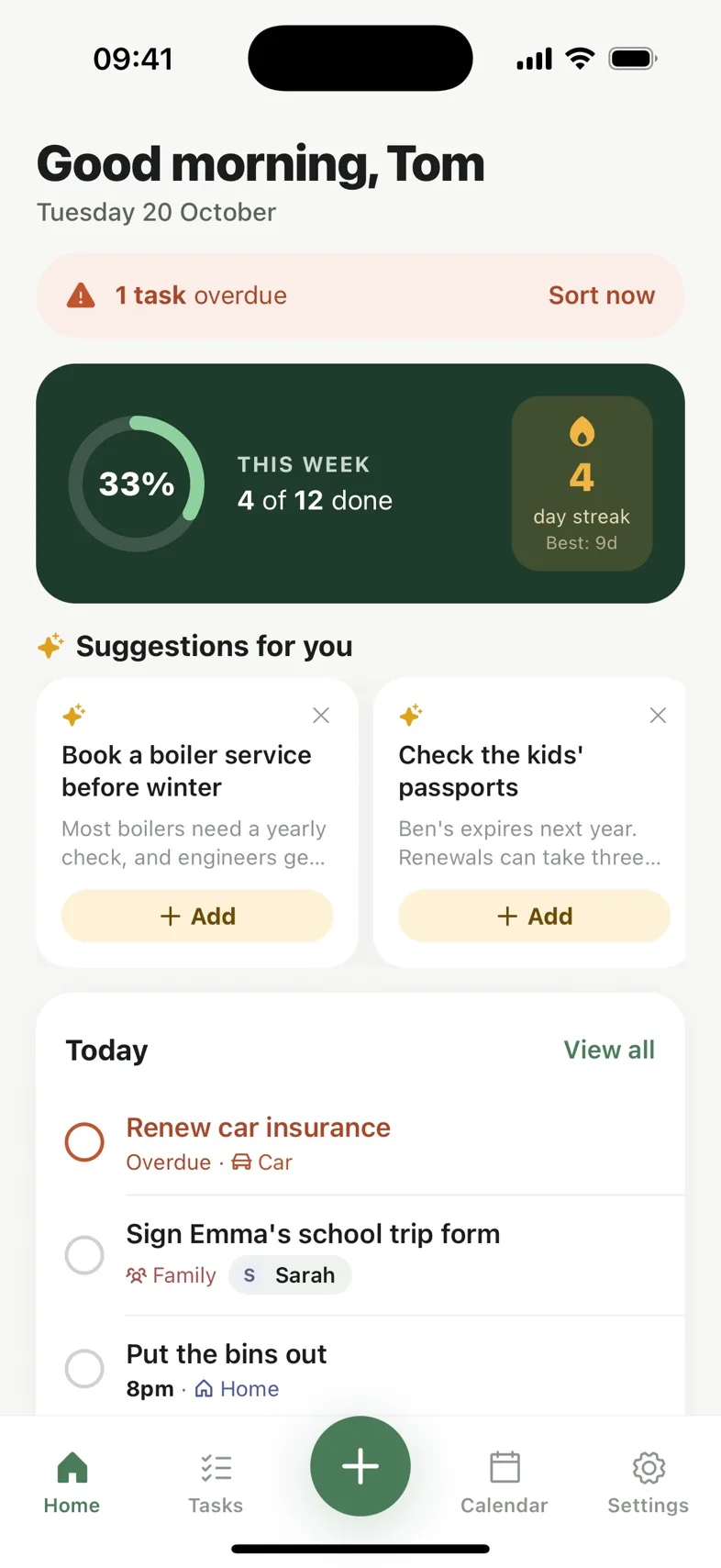
Say it once. Softly sorts the rest.
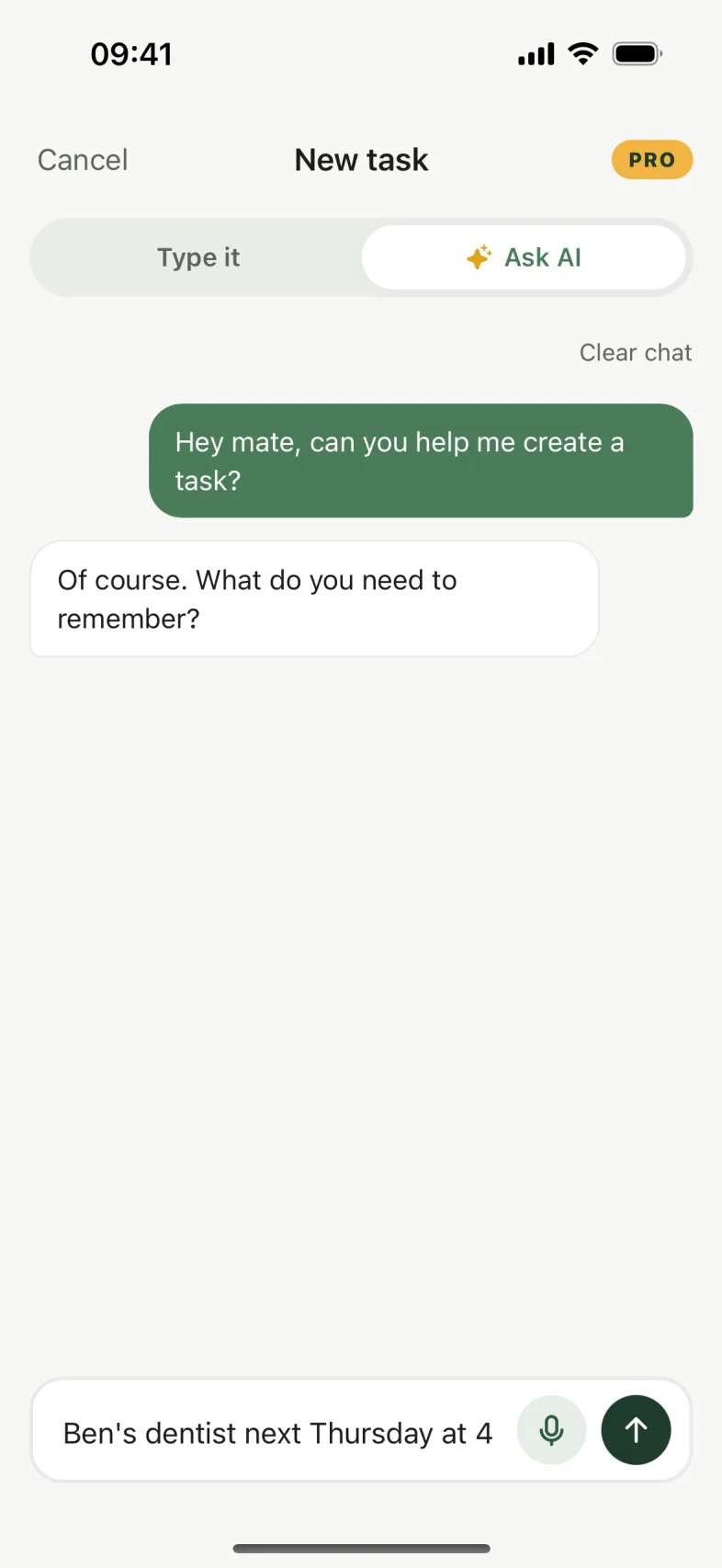
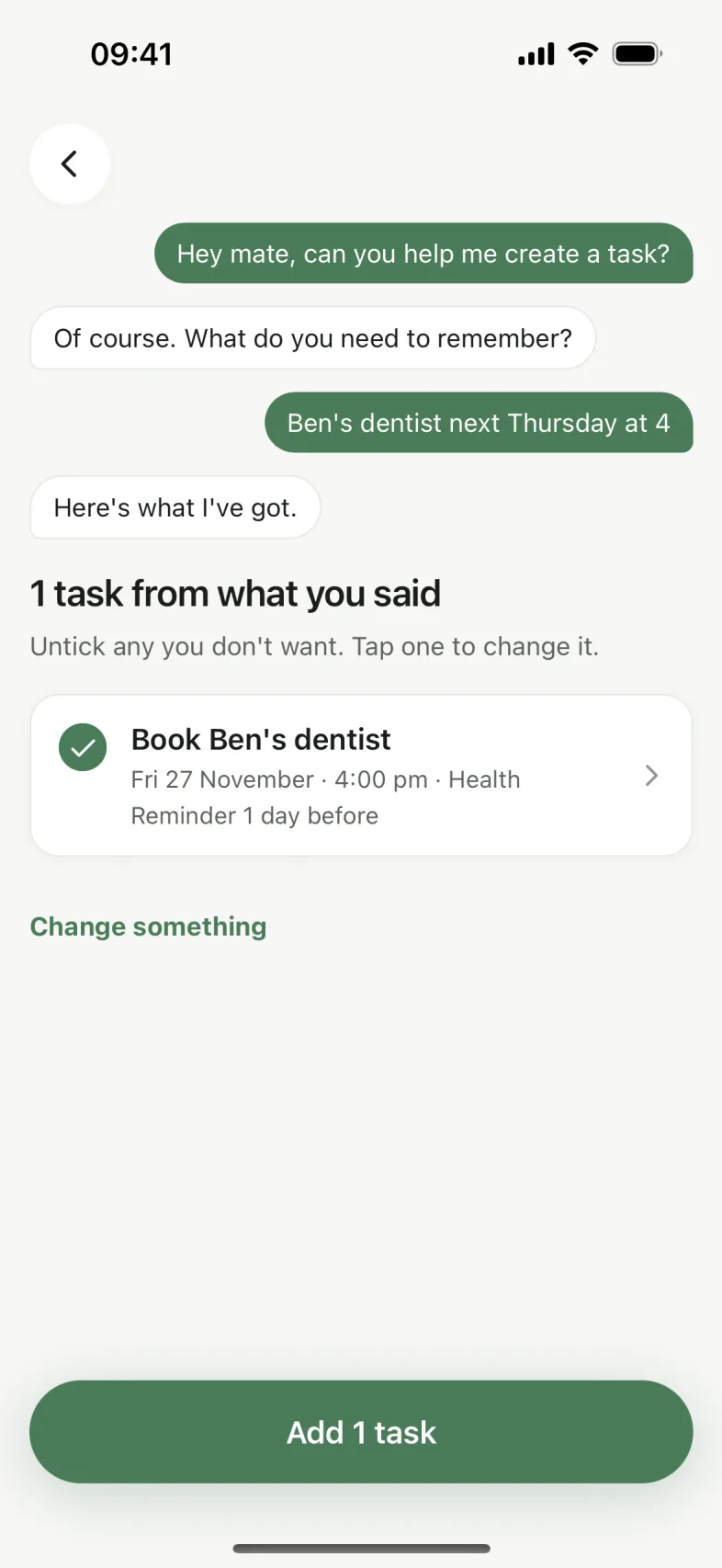
"Bins on Thursday, renew the car insurance by the 30th, and Sarah to book Ben's dentist." Say it the way you would to a friend. If something is missing, Softly asks. Then it splits what you said into tasks, with the dates, times, repeats and who each one is for. Check the list, tap add, done.
- Chat with Softly the way you would with a friend
- On iPhone, tap + and just talk, or type it
- Say a few things at once. Softly lists them for you to check
- Spots what is already on the family list
- Asks which day or what time if you left it out
- Knows the names in your household and "every first Monday"
Share the load at home.
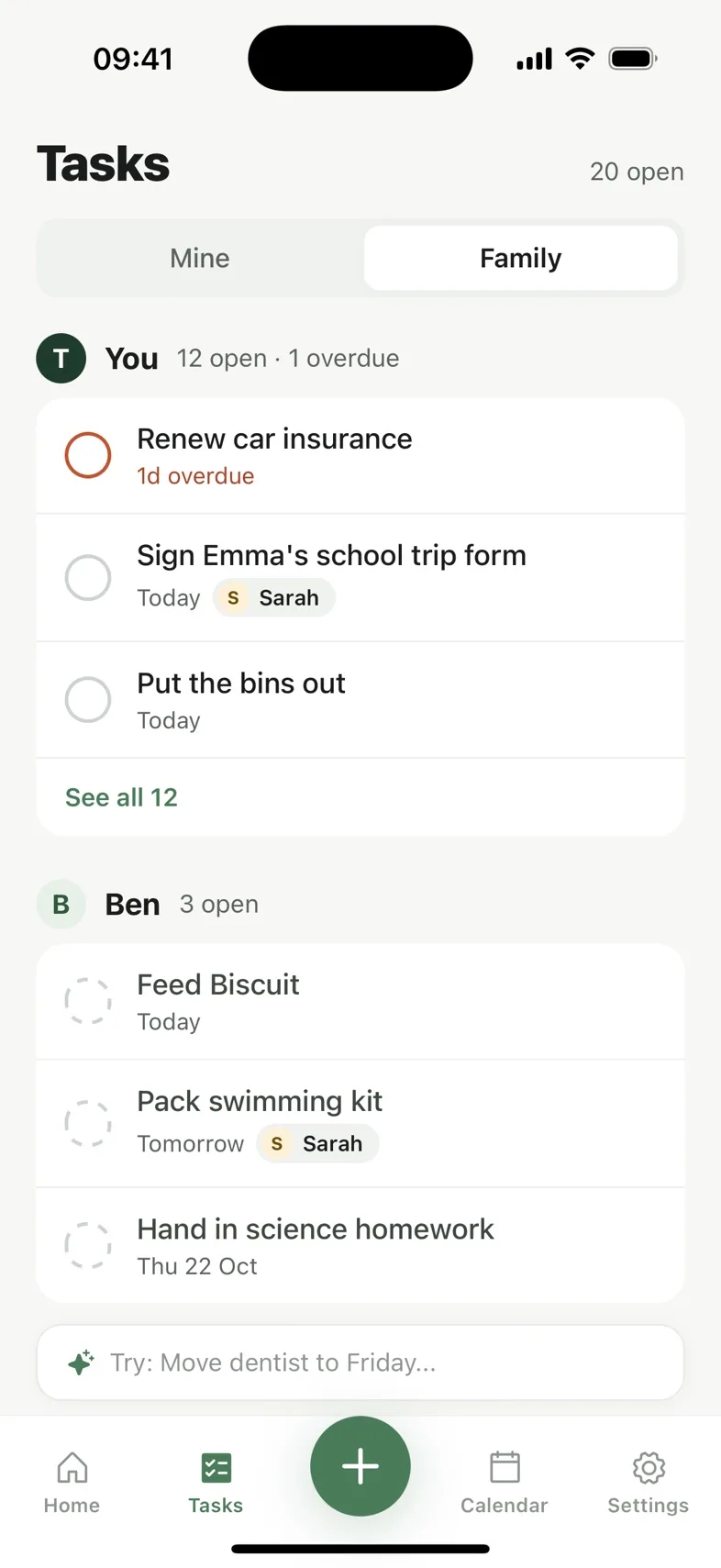
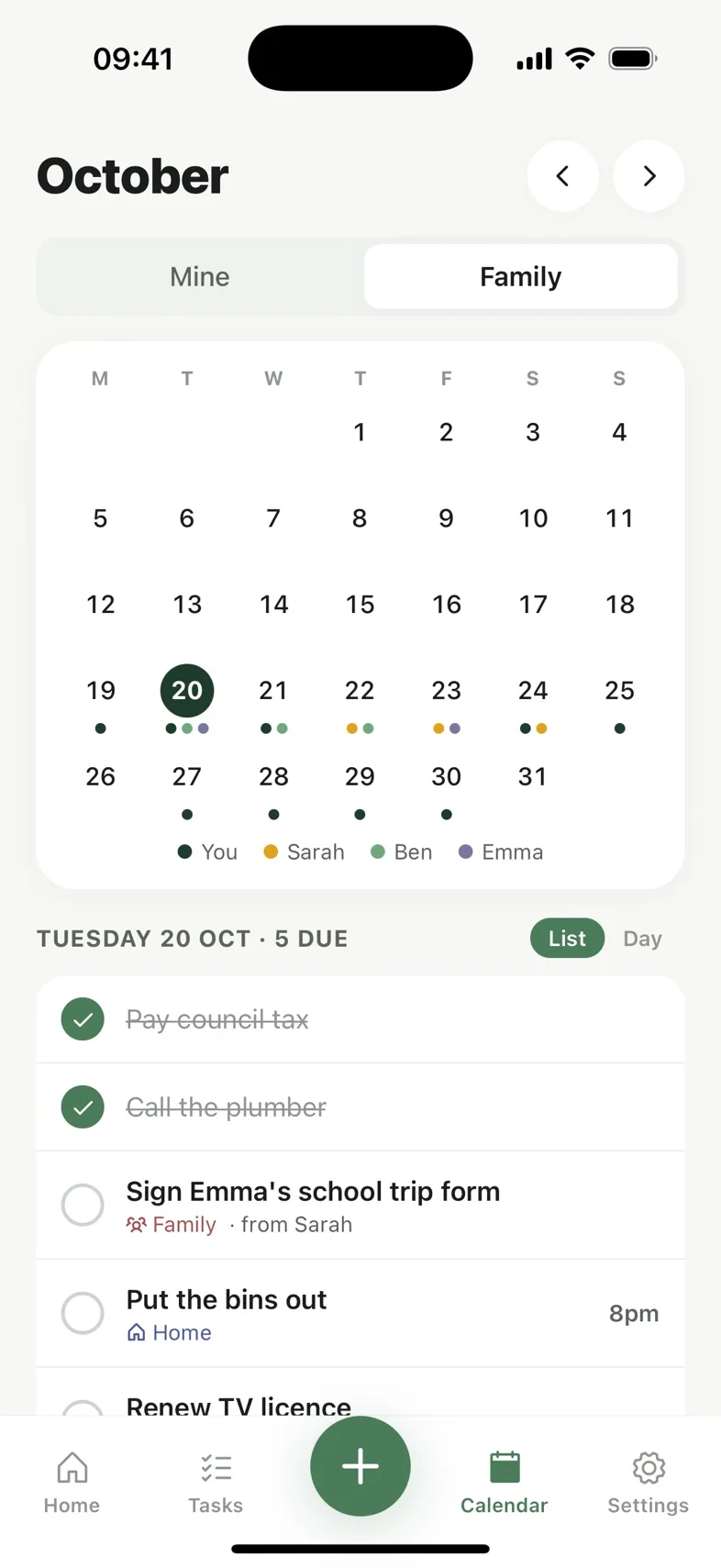
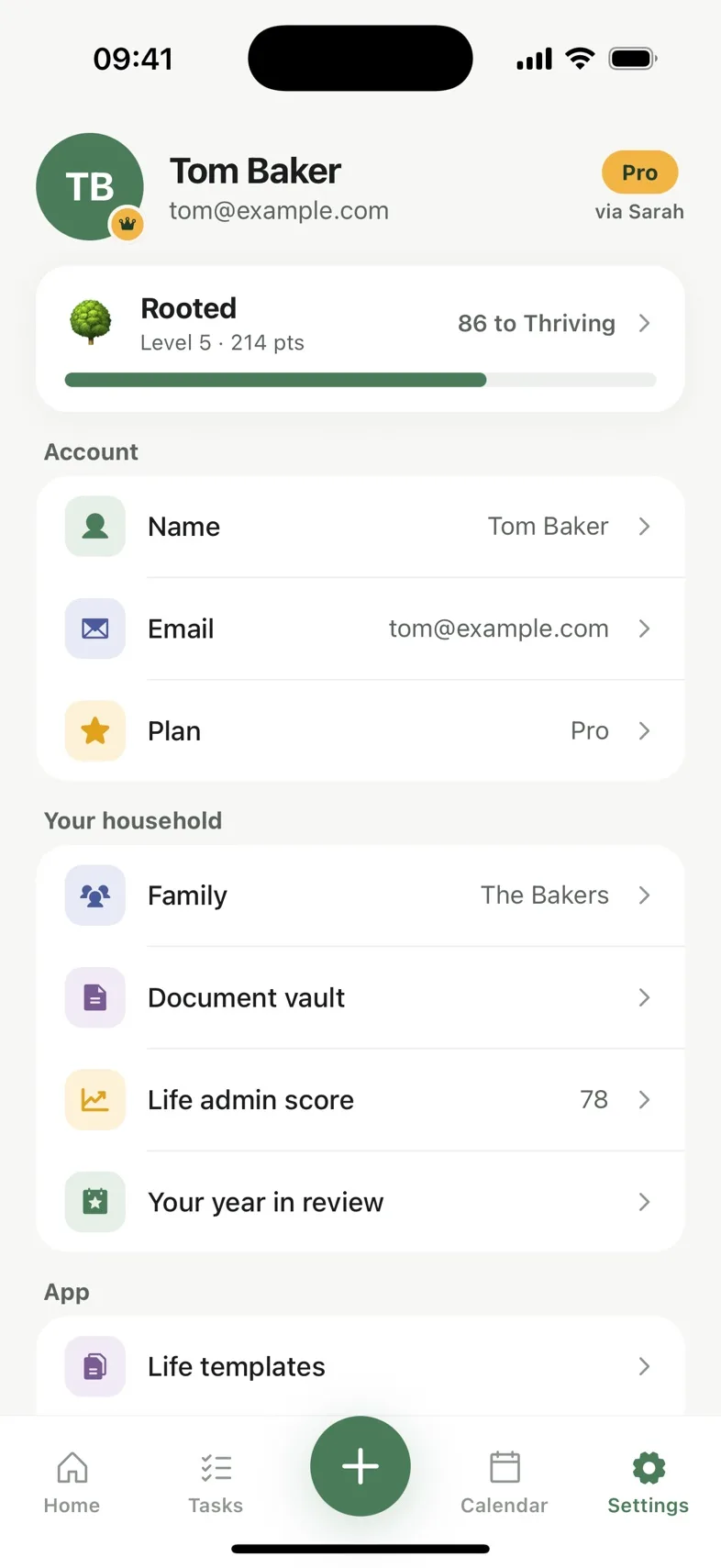
Invite the people you live with. See what's yours under Mine and what the house is up to under Family. Anything private stays Only me. Creating a household comes with Pro. Joining one is free.
- Hand a task to someone by name
- A family calendar with a colour for each person
- Joining someone's household is free
Nothing slips through.
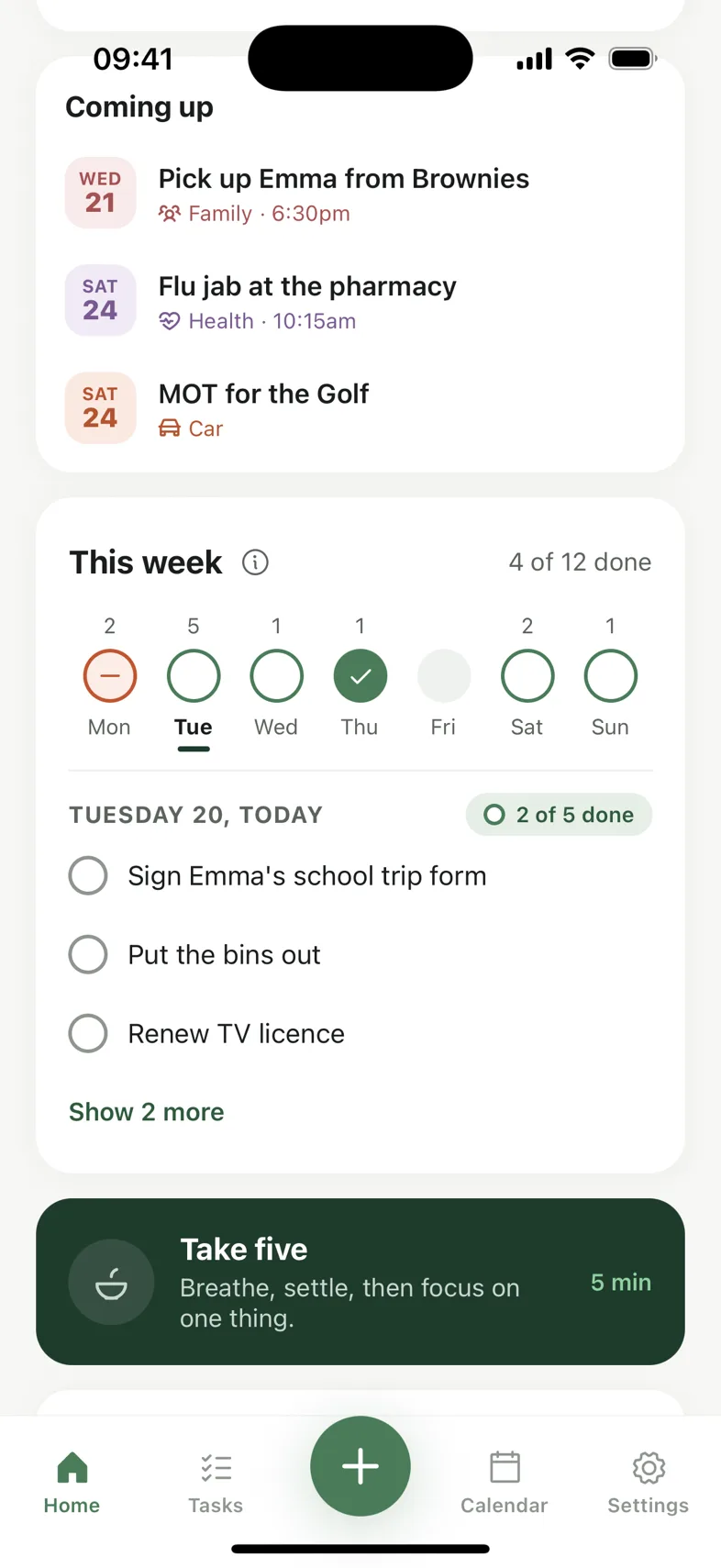
A reminder that rings when it matters, what's coming up, and your whole week on one card. Missed something on Monday? Tick it off or move it to today in one tap.
- Reminders that ring on the day, with a singing bowl
- Done, Snooze or Tomorrow, right from the reminder
- Repeating tasks that roll on, and Skip for the weeks that don't fit
- Anytime: a place for things with no date yet
- Points, streaks and levels for getting things done
Feeling stuck? Take five.
A short, calm focus session with a singing bowl. Breathe, settle, then do the one thing that's been waiting.
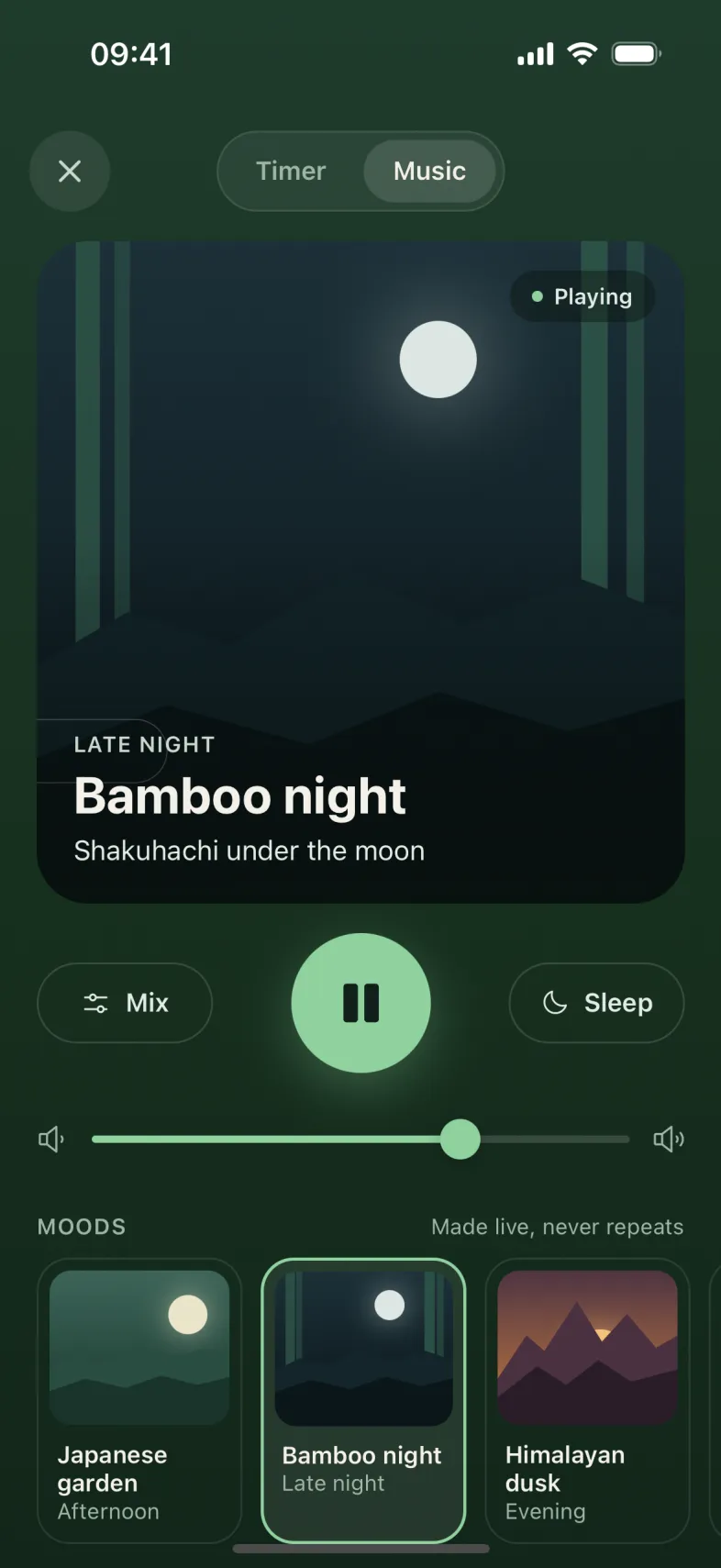
Add calm music under the bowl, or just let it play. Six moods, made live on your phone so they never quite repeat. It fades out as the bowl rings.
- 5 min
- 15 min
- 25 min
- Japanese garden
- Bamboo night
- Himalayan dusk
- Mountain monastery
- Forest morning
- Gentle waltz
Softly, without opening Softly.
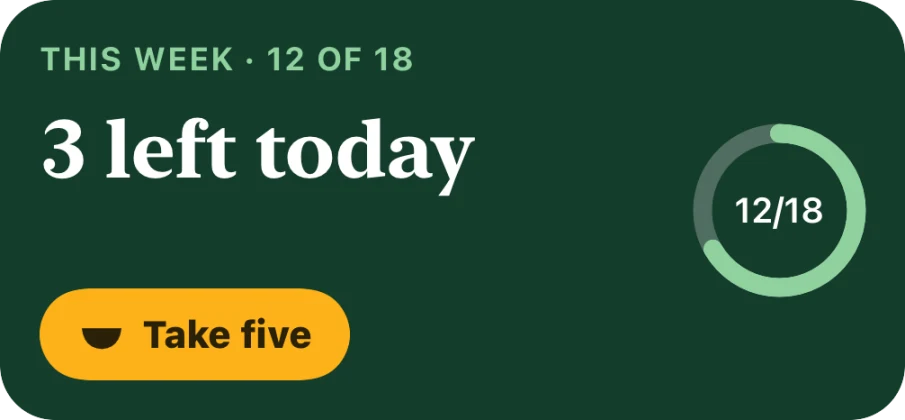
Start Take five and the countdown stays with you. When the time is up, the bowl rings. Your Home Screen shows what's left today at a glance.
- A countdown in the Dynamic Island and on the Lock Screen, with Pause and End
- Small, medium and large Home Screen widgets: tasks left today and how your week is going
- Apple Watch: today's count on your wrist and on the watch face
- Say "Take five with Softly" to Siri
- Task names stay off your widgets unless you turn them on
- On iOS 18, a Take five button for Control Centre


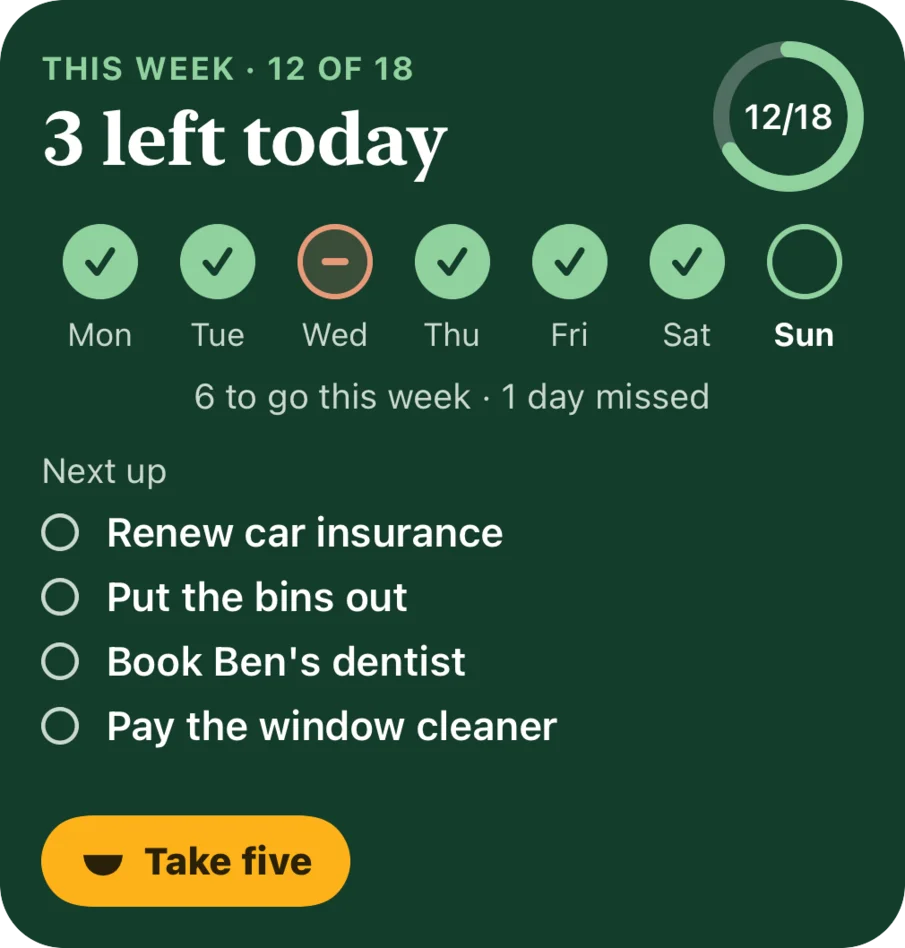
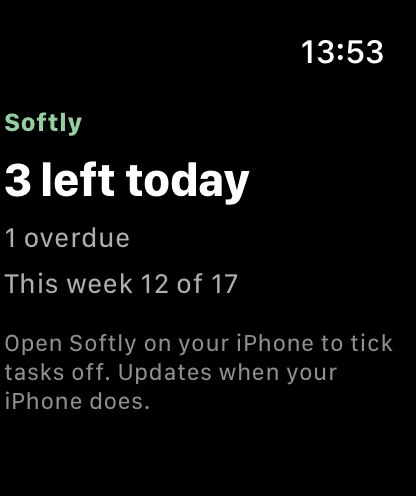
Your whole week at a glance.
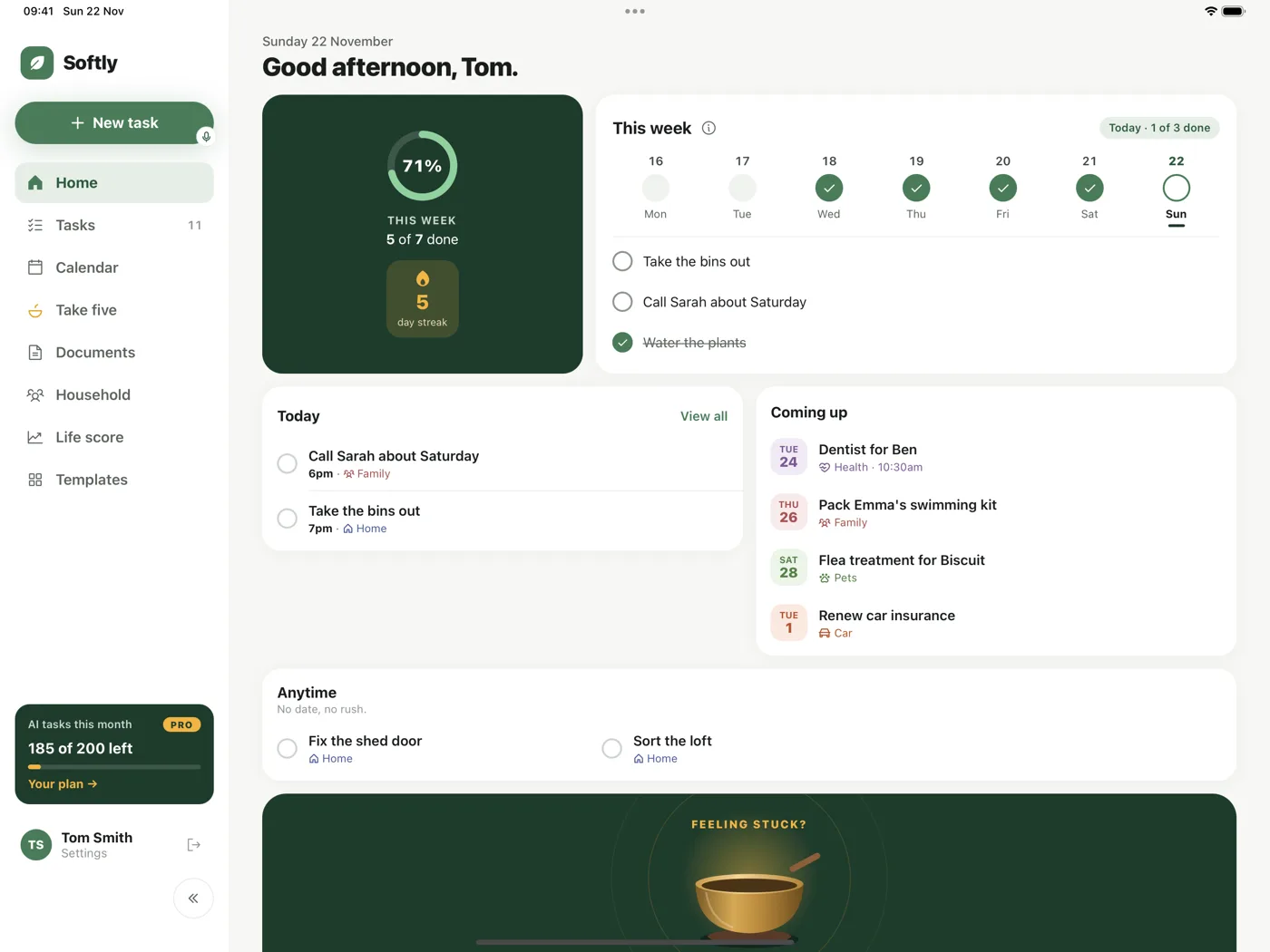
On iPad, Softly opens out: a sidebar on the left, and your week, today and what's coming up side by side. One account across iPhone, iPad and your browser. The iPad app comes with the iPhone app.
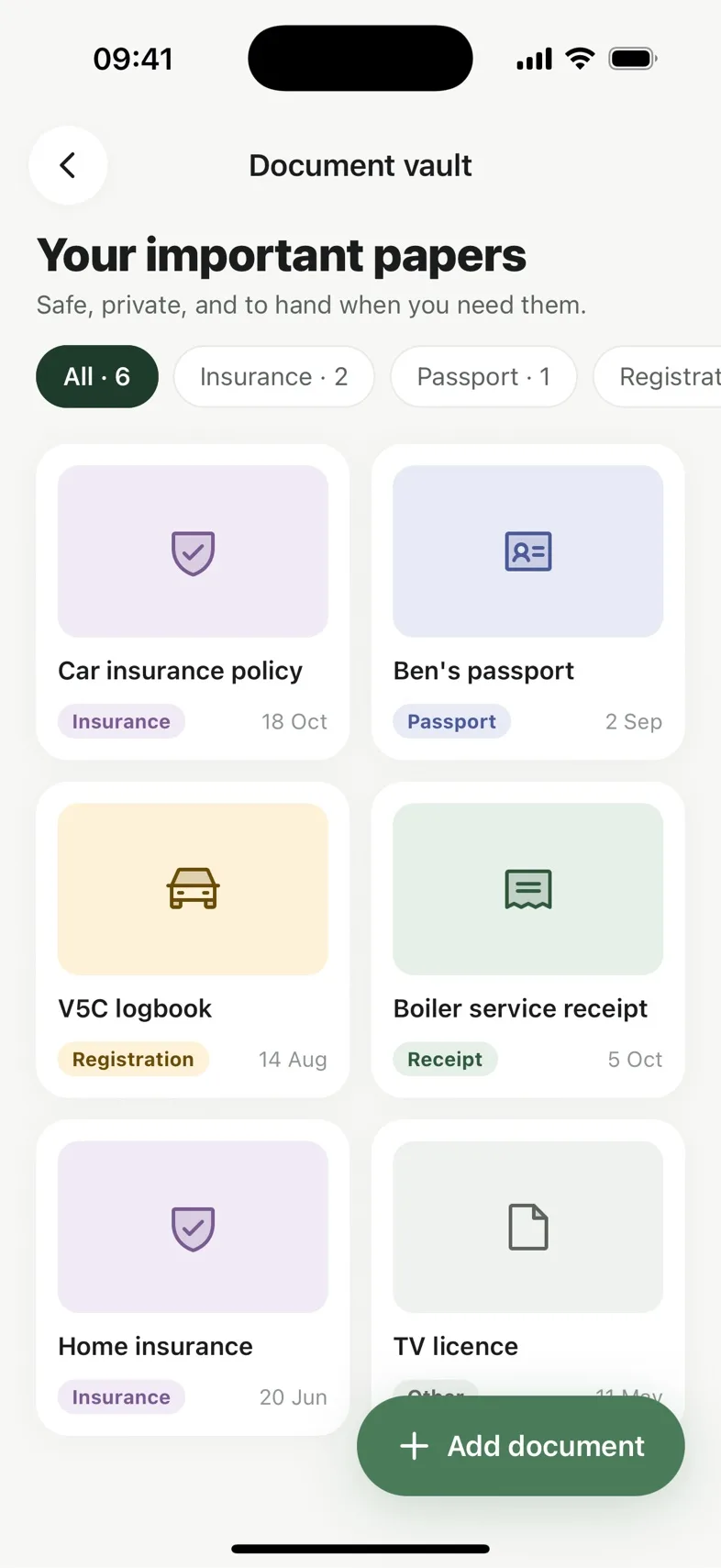
And a lot more besides.
Simple pricing.
Start free. Go Pro when Softly earns it. One Pro plan covers everyone in your household.
- Unlimited tasks
- 10 AI tasks to try
- Reminders, calendar and repeating tasks
- iPhone, iPad and web
- 200 AI tasks a month
- Or 300 shared across your household
- Pro covers everyone in your household
- About £3.75 a month
“I’d tell myself, ‘I’ll remember that,’ and somehow the date would come and go. By the time I remembered the MOT, it was weeks overdue. I built Softly because I wanted to follow through on the things I said I’d do, for myself and for my family.”
Questions
Can I just talk to it?
Yes, on iPhone. Tap + and say what needs doing, even a few things at once. Softly lists them so you can check them before they are added. On the web, type it the same way.
Is there an iPhone app?
Yes. Softly is on the App Store for iPhone and iPad. It works in your browser too, with the same account and the same tasks.
Is it really free?
Yes. Tasks, reminders, repeating tasks and the calendar are free with no limit. You get 10 AI tasks to try. Pro gives you 200 a month.
How does family sharing work?
Invite the people you live with. Tasks can be yours, the family’s, or Only me. One Pro plan covers the whole household.
Does it work without signal?
Yes. On iPhone you can add and tick off tasks offline. They sync when you are back online.
Who makes Softly?
Softly is made in the UK by Zen Scale Ltd.
Clear your head. Start today.
Softly is on the App Store for iPhone and iPad, and it works in your browser.